
|
The connection manager gives you an overview of your connected devices and their connection status.
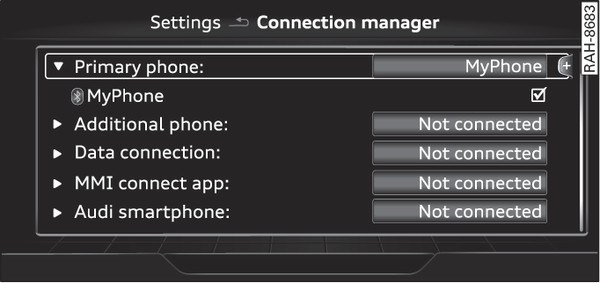
- Fig. 255 Connection manager
Select: MENU button > Settings > left control button > MMI settings > Connection manager.
Select and confirm a menu option.
If a mobile device has already been connected and you then select and confirm the corresponding menu item, the device s name and connection status is displayed under this menu item Fig. 255►.
You can connect ( ) or disconnect (
 ) a connected device individually.
) or disconnect () a connected device individually.Important:
- The vehicle must be stationary, and the ignition must be switched on.
- The Bluetooth settings must be open on your mobile device during the connection procedure.
- The Bluetooth function and the discoverability option of the MMI system link► and the mobile device must be activated.
- The mobile device you would like to connect must not be connected to any other Bluetooth device.